Create Your Own 3D Virtual Tour
Use your own smartphone. We provide the equipment, instructions and support.
Vivestia’s DIY 3D Virtual Tour service gives you a simple way to capture your own property without waiting for an on-site production team. We send you the necessary equipment and guide you through the process – you capture the space, and we help you turn it into an interactive 3D experience.
A practical option for properties that want more flexibility over when and how they are captured.
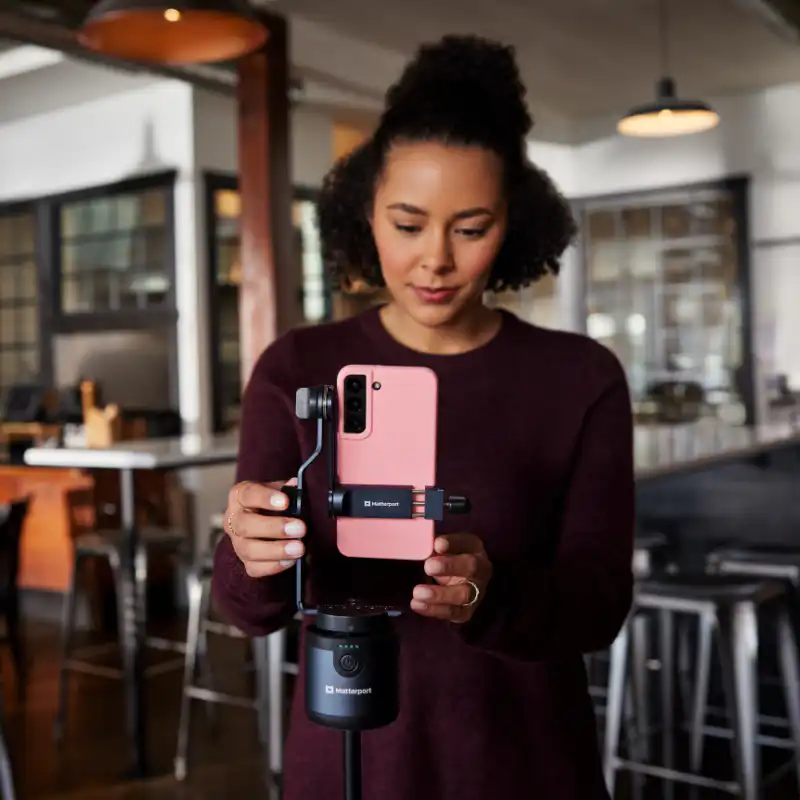
Professional guidance. Your own capture.
You do not need to be a 3D scanning specialist. The service is designed so you can capture the property yourself with your smartphone and the equipment supplied by Vivestia.
Capture When It Suits You
Choose the day and time that works best for the property instead of coordinating an on-site production visit.
Use Your Own Smartphone
The capture process is designed around a mobile phone together with the equipment we provide.
Follow Clear Instructions
Vivestia provides guidance and best practices so you know how to move through and capture the space correctly.
Get Support From Our Team
If you need help during the process, our team can guide you through the capture workflow.
What We Send You
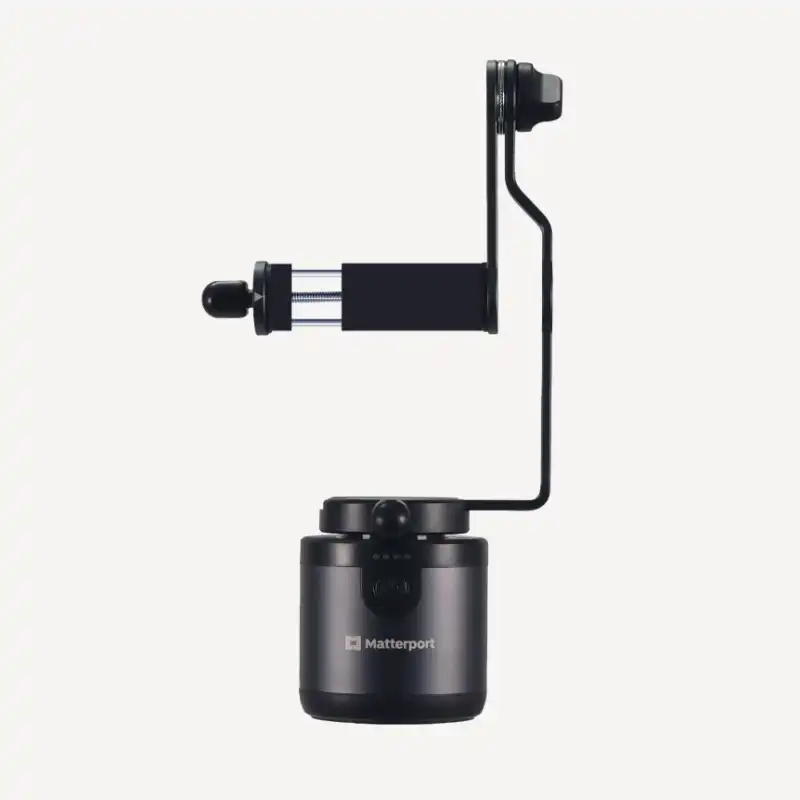
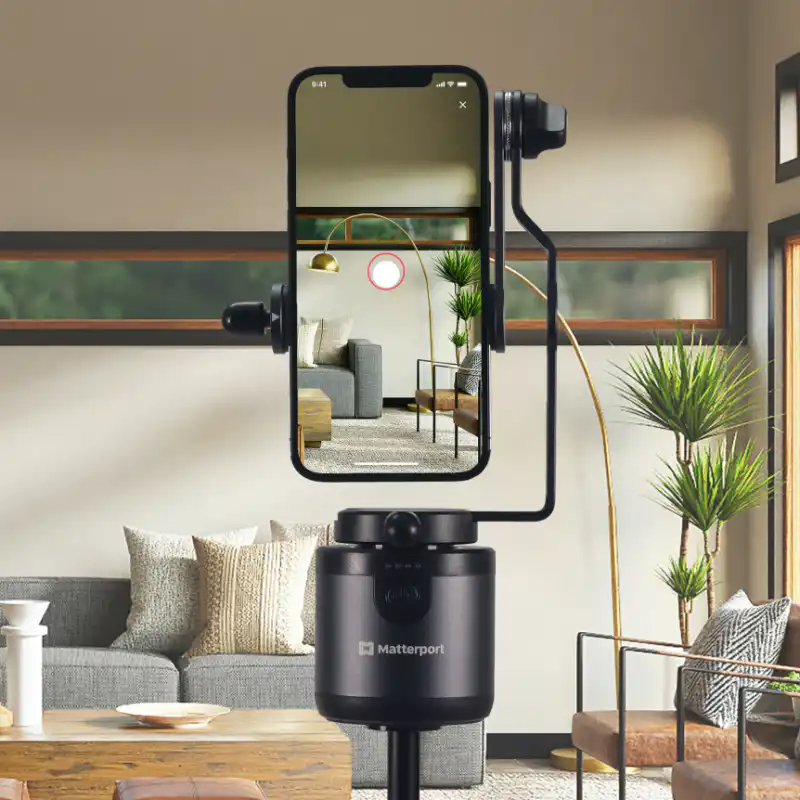
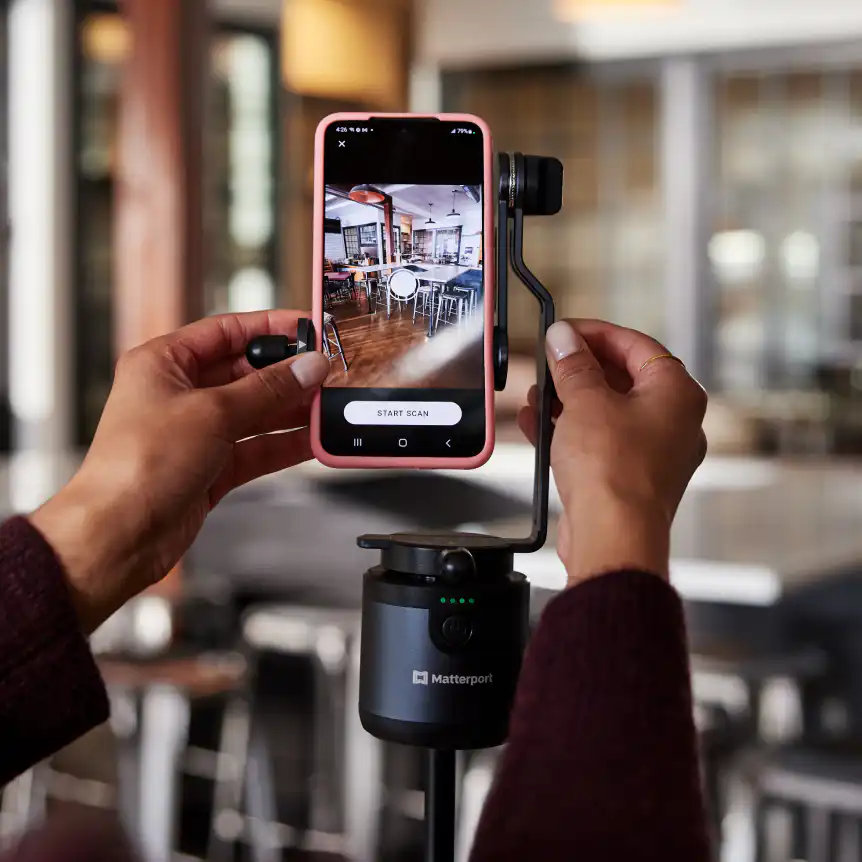
DIY Capture Equipment
We provide the equipment needed to keep the smartphone stable and consistently positioned during capture.
Phone Holder
A dedicated phone holder supports the mobile device during the scanning process.
Auto-Rotation Support
The supplied setup can rotate the phone automatically, helping you capture consistent viewpoints around the room.
Step-by-Step Instructions
You receive clear instructions explaining how to prepare and capture the property.
From your phone to a 3D Virtual Tour
- 01
Receive the Kit
We send you the DIY capture equipment and the instructions you need to get started.
- 02
Prepare the Property
Follow the preparation guidelines so rooms are ready and the capture route is clear.
- 03
Capture With Your Smartphone
Use the supplied setup to scan the required rooms and spaces following our guidance.
- 04
Send Us the Capture
Once the capture is complete, you send us the required material or project access.
- 05
We Finalise the Experience
Vivestia processes, reviews and prepares the final 3D Virtual Tour and can add the features selected for your project.
You Capture. We Take Care of the Rest.
DIY does not mean you are left alone with the technology. The objective is to make the capture itself simple enough for you to complete, while Vivestia remains available for guidance and for the final preparation of the digital experience.
A flexible option for properties you cannot easily schedule
Villas & Vacation Rentals
Capture properties when they are ready, even if they are located away from your usual production schedule.
Real Estate Listings
Create digital property tours while maintaining control over when each listing is captured.
Property Managers
Use one repeatable process across multiple properties and locations.
Small Hotels & Accommodation
A practical approach for individual rooms or smaller properties that want a 3D presence.
Guided by Vivestia Best Practices
The quality of a DIY tour starts with how the space is prepared and captured. Vivestia provides practical guidance based on our experience creating immersive 3D environments, including how to position the equipment, move through the property and maintain consistency from one capture point to the next.
Preparation Guidance
Simple recommendations before scanning so the property is clean, ready and visually consistent.
Capture Guidance
Instructions on positioning and moving the equipment through each space.
Coverage Guidance
Support in understanding which rooms and areas should be captured for a complete experience.
Review & Support
Our team can help resolve questions and review the project before the final experience is published.
Enhance Your DIY 3D Virtual Tour
Once the base 3D Virtual Tour is created, it can be enhanced with many of the same tools available across Vivestia’s professional 3D Virtual Tour services.
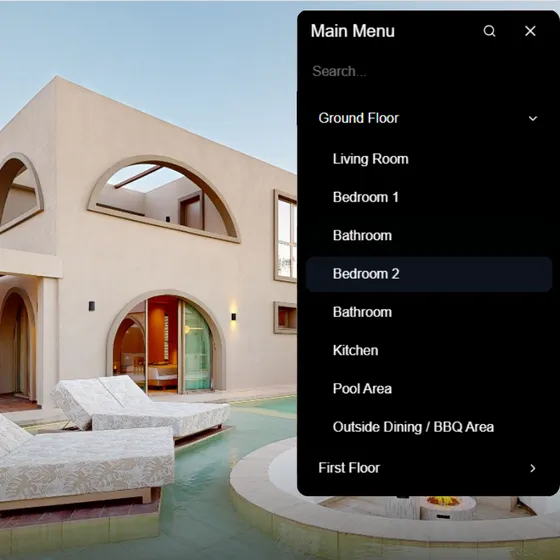
Interactive Menu
Help users move quickly between rooms, floors and important areas.
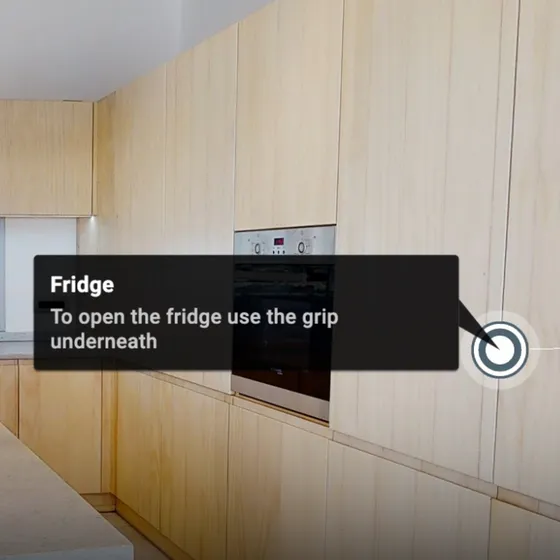
Info Points & Labels
Add text, images, videos, links and useful information inside the tour.
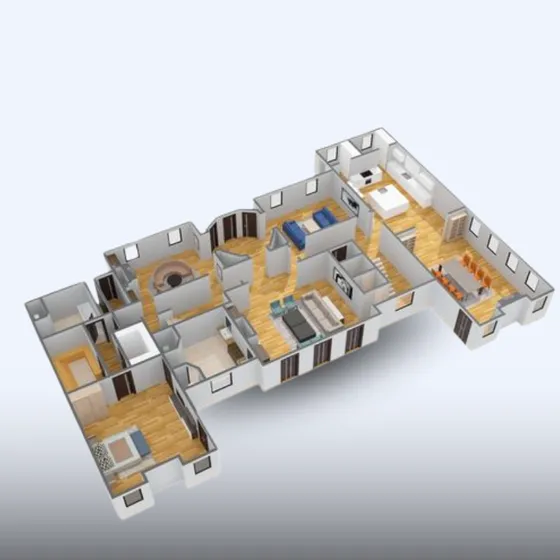
2D & 3D Floor Plans
Create additional layout outputs from the captured property.
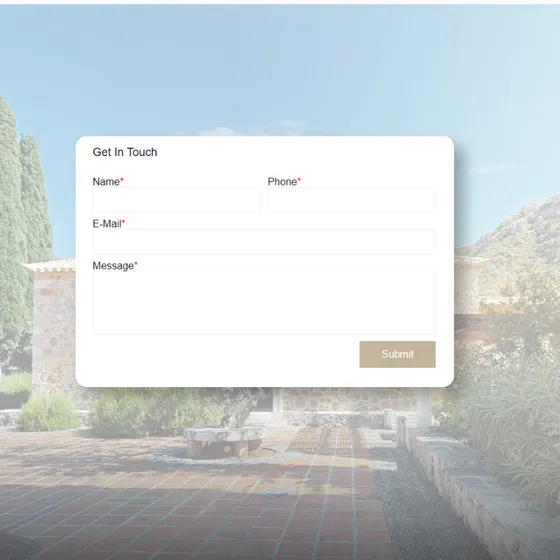
Lead Generation
Guide visitors towards enquiries, bookings or other conversion actions.
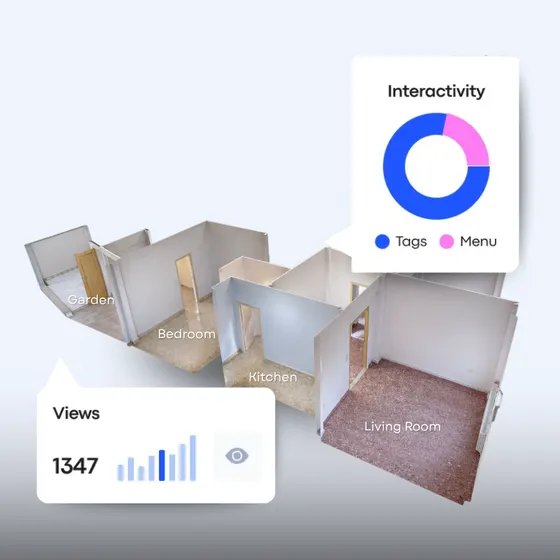
Live Analytics
Understand views and engagement inside the digital experience.
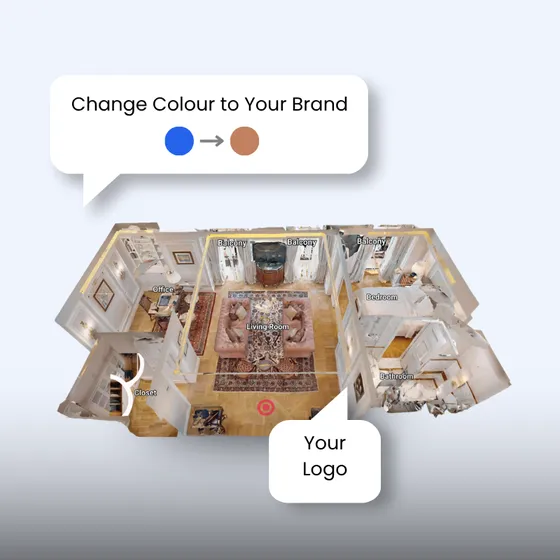
Whitelabel & Branding
Adapt selected interface elements to your brand.
Frequently Asked Questions
Can I really create the 3D Virtual Tour myself?
Yes. The DIY service is designed so you can capture the property yourself using your smartphone, the supplied equipment and Vivestia’s instructions.
Do I need professional scanning experience?
No. We provide guidance and best practices to make the process as straightforward as possible.
What equipment do I receive?
Vivestia provides the capture setup required for the DIY process, including a phone holder designed to support stable and consistent mobile capture.
Does the equipment rotate automatically?
The current DIY setup includes auto-rotation functionality to help capture consistent viewpoints around the space.
What happens after I capture the property?
You send the required capture material or project access to Vivestia, and our team prepares and reviews the final 3D experience.
Can I add extra features to the DIY tour?
Yes. Depending on the project, the final tour can be enhanced with menus, info points, floor plans, analytics, lead-generation tools and other Vivestia add-ons.
Is DIY suitable for multiple properties?
Yes. It can be especially useful for property managers or businesses that need to capture multiple locations with greater scheduling flexibility.
How much does the DIY service cost?
Pricing depends on the project, equipment arrangement, number of properties and required services. Contact Vivestia for a tailored quote.